

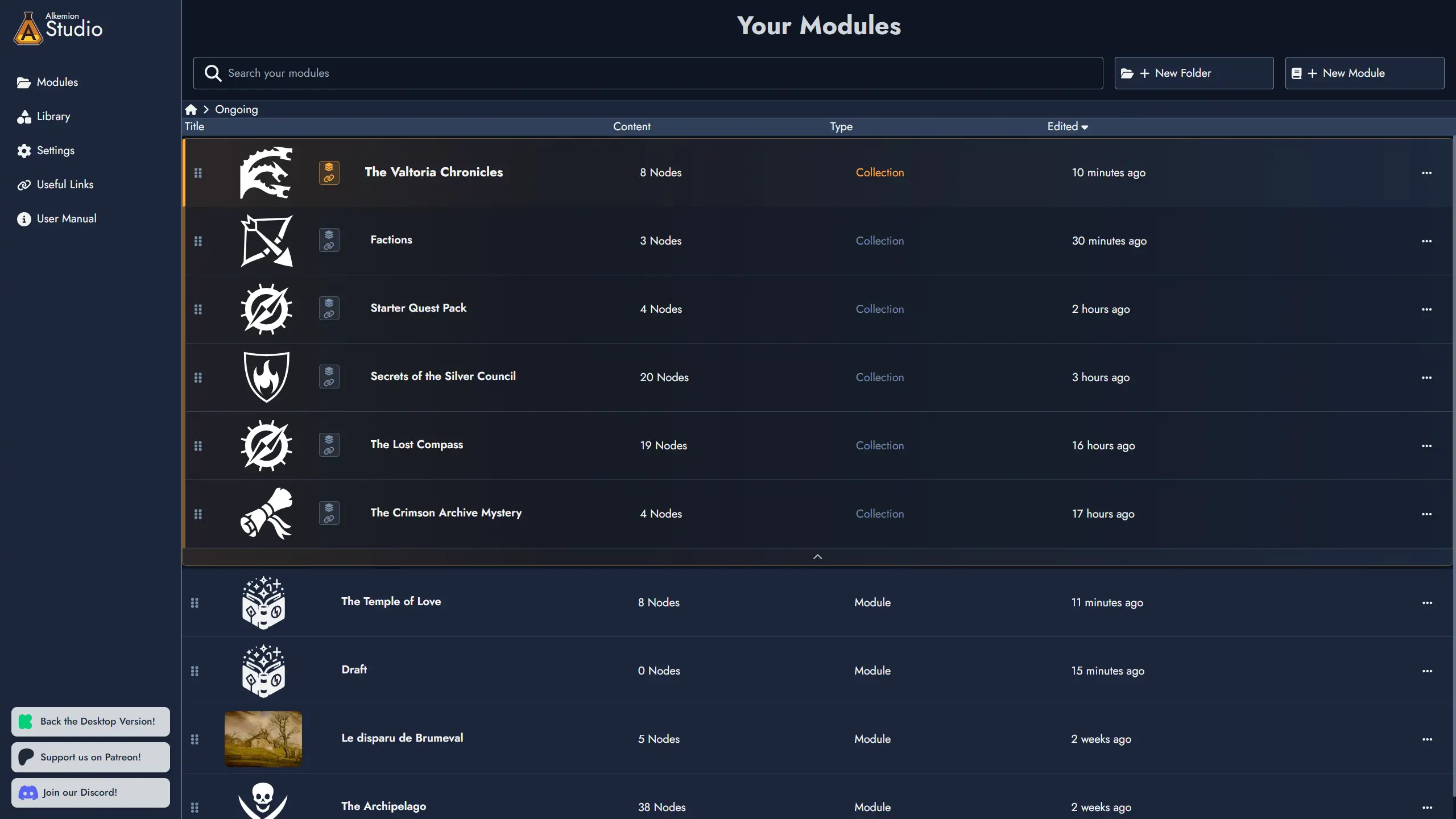
Hey, everyone! This update introduces a major new feature: Module Collections, giving you a way to group Modules under a shared parent and work across them as a unified whole. It also includes Lobby drag-and-drop improvements, richer search results, and a handful of bug fixes. Hope you enjoy!
New Major Feature
Module Collections
Module Collections let you promote any Module to a parent container for other Modules. What a collection represents is entirely up to you: a campaign, a world, a series, a solo project, or anything else. Promotion is non-destructive, and a collection can be demoted back to a regular Module at any time without any loss of content. Modules can also be added to or removed from a collection at any time, with no effect on their content.
- Lobby: Collection cards are visually distinct and expand inline to show child Modules. You can assign Modules to a collection by dragging them onto the collection card or through context menu actions.
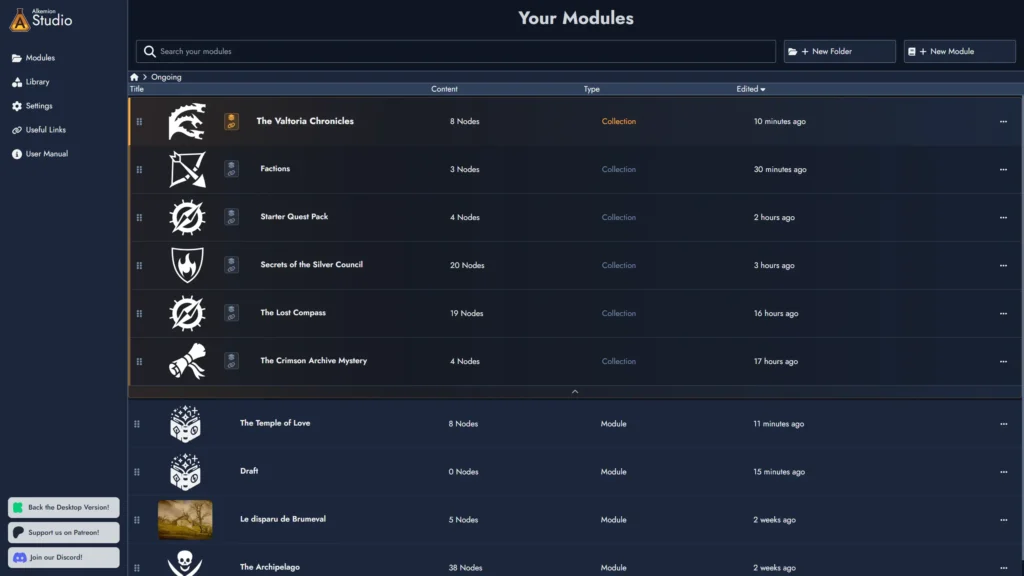
- Collection Library: When inside a Module Collection, you can curate a selection of Library assets (Tag Collections, Templates, Images, Icons, Masks, Random Tables) to share with child Modules. Child Modules access this curated set through a dedicated switch in their Library panel.
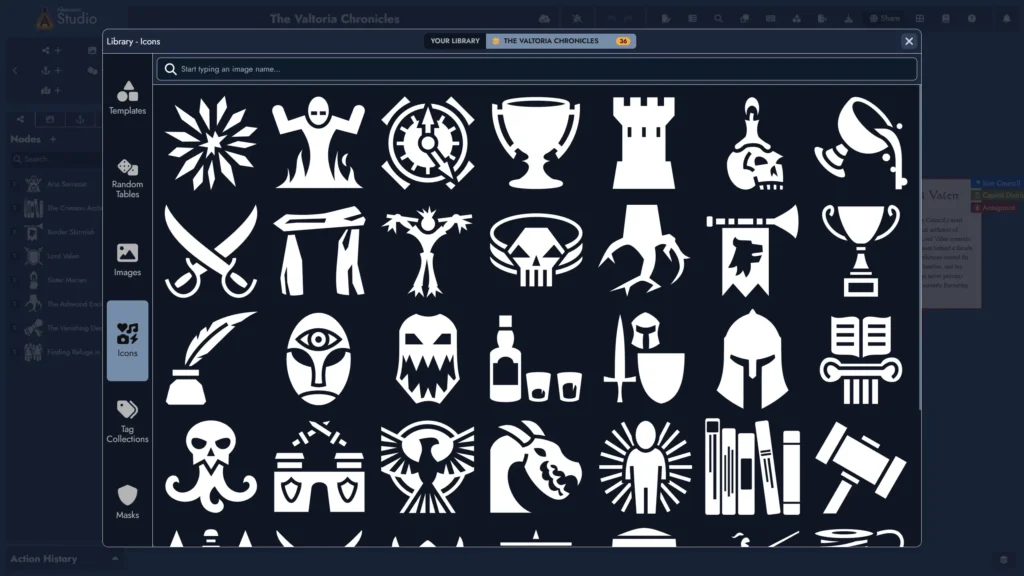
- Cross-Module Search: The search panel in any child Module includes a scope toggle to search across all Modules in the collection at once. Results show the Node name, type, tags, a content preview, and the source Module, and let you navigate directly to the matching Node.

- Quick Navigation: When the current Module belongs to a collection, a navigation button appears at the bottom right of the Board. Clicking it opens a menu listing all Modules in the collection, and selecting one navigates to it immediately without returning to the Lobby.
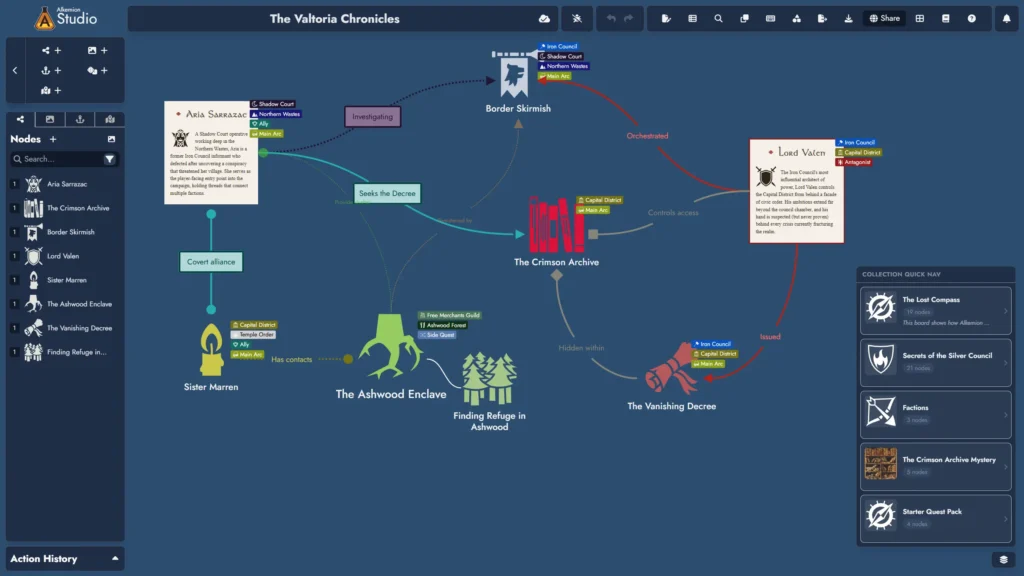
More is planned for Module Collections in upcoming releases, including Synchronized Nodes: a way to keep shared content aligned across Modules while each Module retains its own local copy.
Improvements
- Drag-and-drop is now available in the Lobby’s Modules section. You can drag any Module in or out of a Module Collection, move it into a folder, or move it back to the parent level.
- Search results now include a content preview and tags alongside the Node name, giving you more context at a glance.
Minor Changes and Bug Fixes
- In the Lobby’s Modules section, the “Title” column has been renamed to “Name,” which better reflects how the content has evolved to include Modules, folders, and collections.
- Resize handles for Widget Groups now scale with zoom level, consistent with Content Card and Map tokens.
- Fixed: going back to the Lobby while a Module had unsaved changes could cause the Module’s name to not update correctly in the Lobby’s module list.
- When importing a Tag Collection, warning items in the diff validation window are now listed first, so they are less likely to be missed.
- Fixed: scrolling with the mouse wheel could stop working in some modal windows depending on where the mouse pointer was positioned.
- When returning to the Lobby from a Module, the Lobby now restores the same folder path that was active when the Module was opened.
- Fixed: importing a Template directly into a Widget Group could break the group and its tokens.
- Fixed: asset library tab names were displaying the internal variable name instead of the actual display name (for example, “template-browser” instead of “Template Browser”).
- Fixed: in the Lobby’s Modules tab, canceling an inline name edit without making any changes would incorrectly update the Module’s last modified date.
- Fixed: copying and pasting token settings was not including the “Emphasized Header” setting for Content Card tokens, or the border radius settings for Group Widget and Anchor tokens.
- 150 new icons have been added to the icon library!
Leave a Reply