
Hey, everyone!
We’re working on something that’s been part of Alkemion Studio’s vision from the start: Module Collections. Like most features we have in mind, we wanted to build the right foundations first and get enough perspective on the problem before tackling it.
If you run large campaigns or worlds, or prep content across multiple modules, this one is for you.
Why Module Collections?
As Alkemion Studio has grown, one pattern has come up again and again. Users building a full campaign will often create a separate module for each adventure, another for the campaign world, and break down large settings into several boards (factions, regions, etc.).
These modules are related, but the tool has no way to express that relationship. You navigate between them manually, and you can’t search across them.
Module Collections address this. They give you a way to group related modules, share library assets across them, and search their content without leaving your current workspace.
What Is a Module Collection?
A Module Collection is a module you create , or promote, to act as the hub for a group of related modules.
You can do this by checking the collection box in the New Module window from the Lobby. Alternatively, you can take an existing module (a campaign overview, a world bible, a prep folder, anything) and promote it to a Module Collection.
It stays exactly as it is, with all its existing content, board, and nodes intact. Promotion simply adds new organizational capabilities without changing anything you’ve already built.

The system defines nothing about what a Collection is. You decide.
A campaign with five adventure modules. A world hub with region, faction, and lore modules. A publisher series with standalone titles in the same setting. A solo roleplaying project. The structure is whatever fits how you think.
Promotion is non-destructive and reversible. If you change your mind, you can demote a Module Collection back to a regular module at any time, with no consequence to its content. Any Module it contains will do the same.
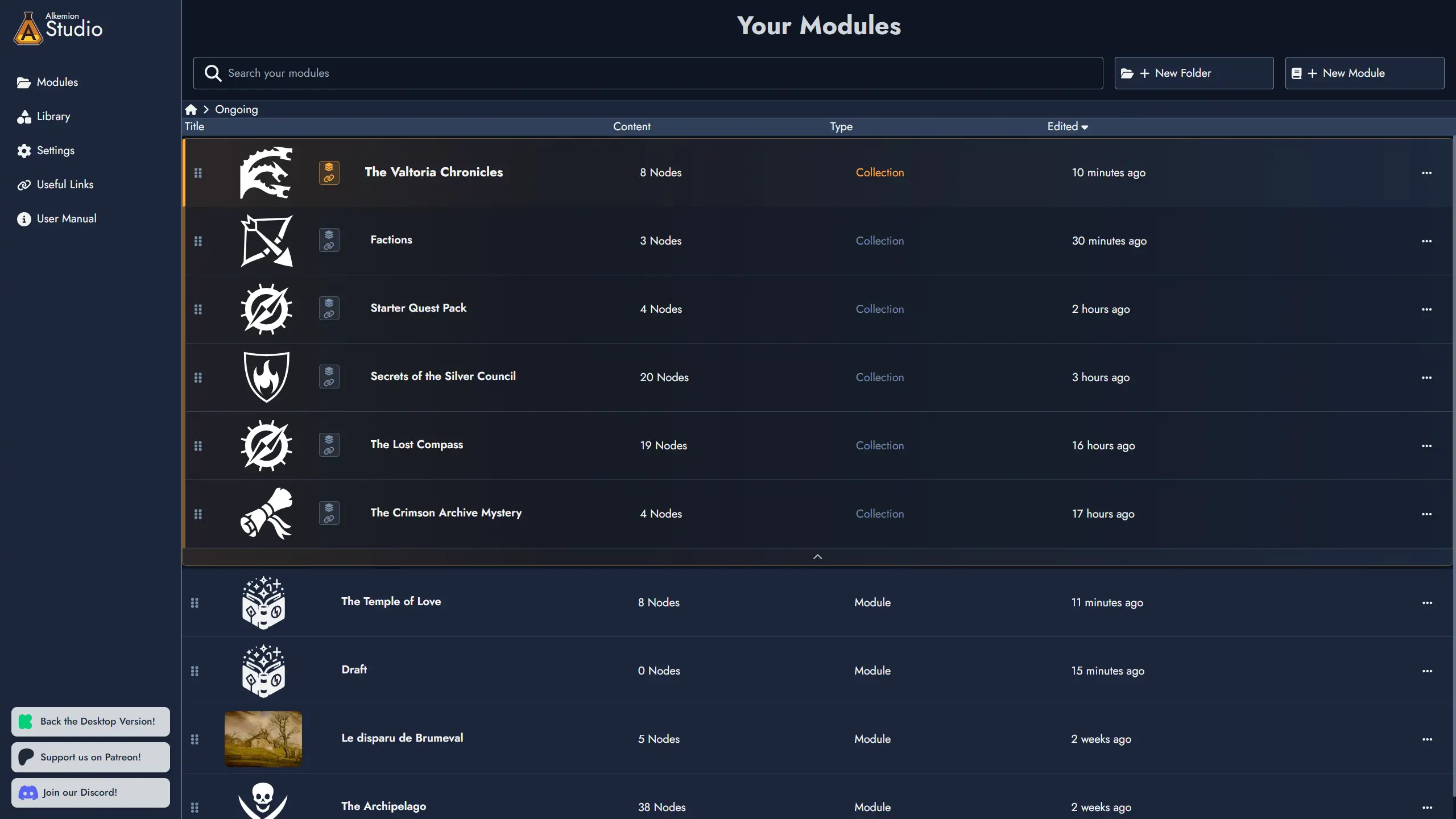
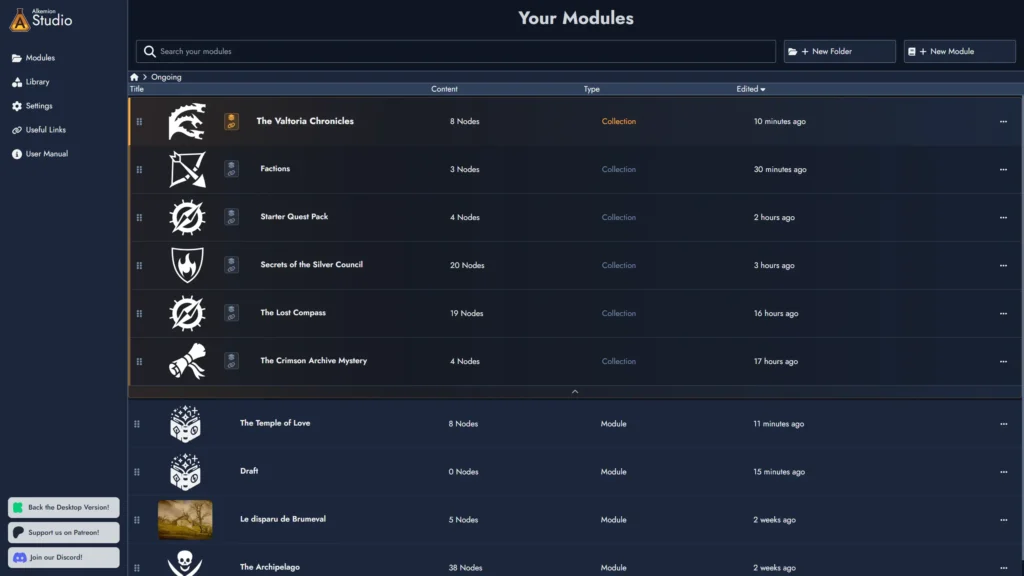
In the Lobby, a Module Collection card expands and collapses to show its modules nested inline. You can add modules to a collection through the context menu or by dragging them directly onto the collection card.
Removing a module from a collection is just as straightforward, and it leaves the module’s content untouched.
A Shared Library for the Collection
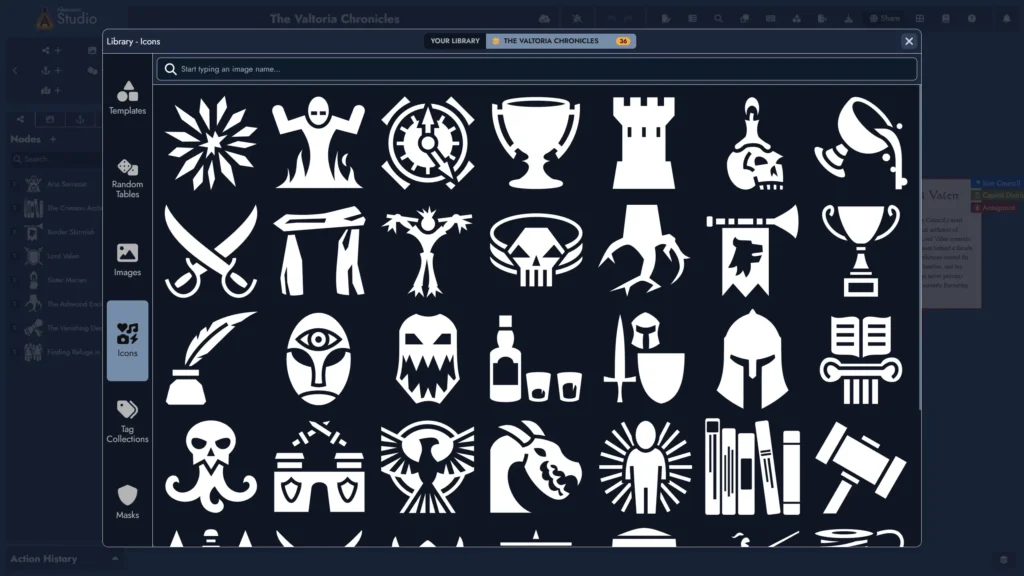
When you’re working inside any module in a collection, the Asset Library panel shows two tabs: Your Library, which is your full global Library as always, and a second tab labeled with the name of the Module Collection.
This second tab is a quality-of-life feature: in a large Library, it’s much easier to quickly see only the assets that are relevant to your current project.
The collection tab shows the assets curated for this collection. From inside any module in the collection, including the Module Collection itself, you can mark any Library asset as part of this curated set.
Curate them once, and they’re easy to find from anywhere in the collection, accessible through the same import flows you already know.
Search and Navigate Across the Collection
Inside any module that belongs to a collection, the existing search now includes a scope toggle. You can switch between searching the current module and searching across all modules in the collection at once.

Results show the source module name alongside each node’s name, tags, and a content preview, so you always know where a node lives. This gives you also the ability to navigate directly to a node from another module in the collection.
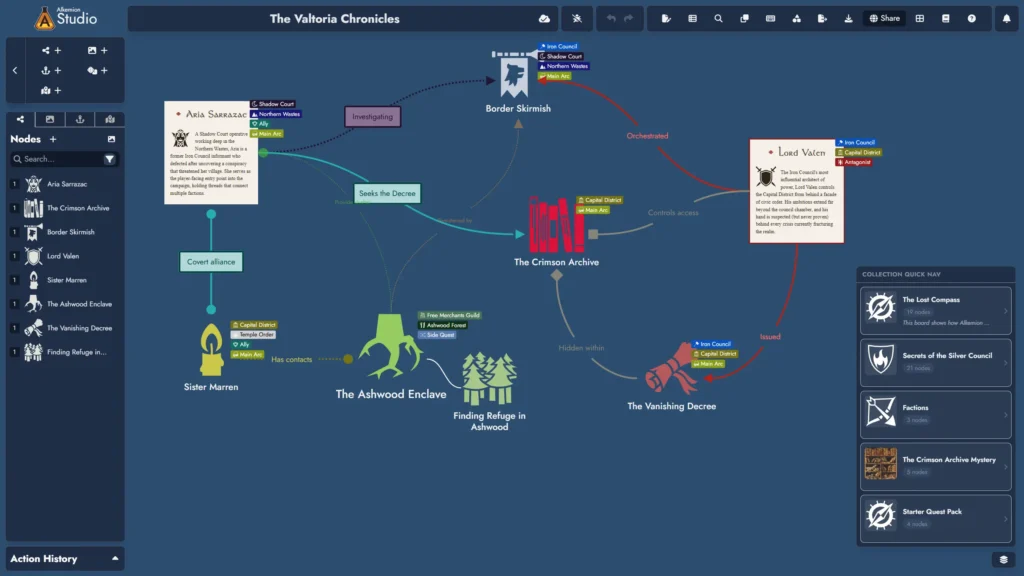
Another way of navigating across the collection is to use the quick navigation button added at the bottom right of the Board. This opens a menu listing the modules in the collection. Clicking on any of them immediately takes you to that module.
Use Cases
Here are a few examples of what this makes possible:
Campaign management: Promote your campaign overview module to a Module Collection. Add each adventure as a module in the collection. Search across all of them to track an NPC across multiple sessions or find every reference to a specific location.
Worldbuilding: Create a lore hub as your Module Collection. Group your faction, region, and history modules under it. Share your setting’s tag system and lore templates across all of them from one place.
Solo roleplaying: Use a project module as your collection, containing session journals, a character module, and world-lore modules. Keep your tags consistent across the whole project without rebuilding them each time.
Publisher series: Create a Module Collection for a series of adventures set in the same world, with shared templates and setting tags available throughout.
What’s Next
A future release will bring Node Synchronization.
This will let you designate any node as synchronized across the modules in a collection. Each module holds its own instance, but all instances share a collection-level identity.
When you update one, you can push that update to the collection. When another instance has been updated, you’ll see a notification on module load and can review and apply it at your own pace.
No single module owns the node: any instance can push, and any instance can receive.
Conflicts, when they happen, are resolved with a simple side-by-side comparison.
Beyond that, Module Collections have a lot more planned. We’re thinking about:
- a collection-level overview showing you where your nodes are and how they’re distributed across modules
- the ability to see collection-level data inside any node (such as connections and links that extend beyond the current module)
- the ability to add meta-information to the collection itself.
This is just the foundation.
Feel free to share your thoughts on our Discord!
See you soon,
The Alkemion Team