
Hey everyone,
We’re excited to share a new feature that’s coming to Alkemion Studio: Tag Collections. This update gives you a way to create reusable sets of tags in your Library and optionally keep them synchronized across your modules. Let us walk you through what this means for your workflow and how it fits into our long-term vision for the tool.
Why Tag Collections?
We want Tags in Alkemion Studio to be really versatile. You might use them to mark scene types, track quest statuses, organize NPCs by faction, or create custom metadata systems entirely unique to your game. While you can use module templates to bootstrap new projects with predefined tags, there hasn’t been a way to maintain a central reference for these tag systems or keep them consistent across multiple modules over time.
The challenge is that tag systems evolve as your thinking develops. Maybe you run multiple campaigns in the same setting and realize you need to add a new faction tag to all of them. Maybe you’ve refined your personal system for organizing adventure content and want to update your existing modules to match. Or perhaps you’re sharing modules with others and want them to receive tag updates as your standards improve.
Tag Collections solve this by giving you a single source of truth for tag sets. You can bootstrap new modules quickly and update existing ones when your organizational thinking changes.
What Are Tag Collections?
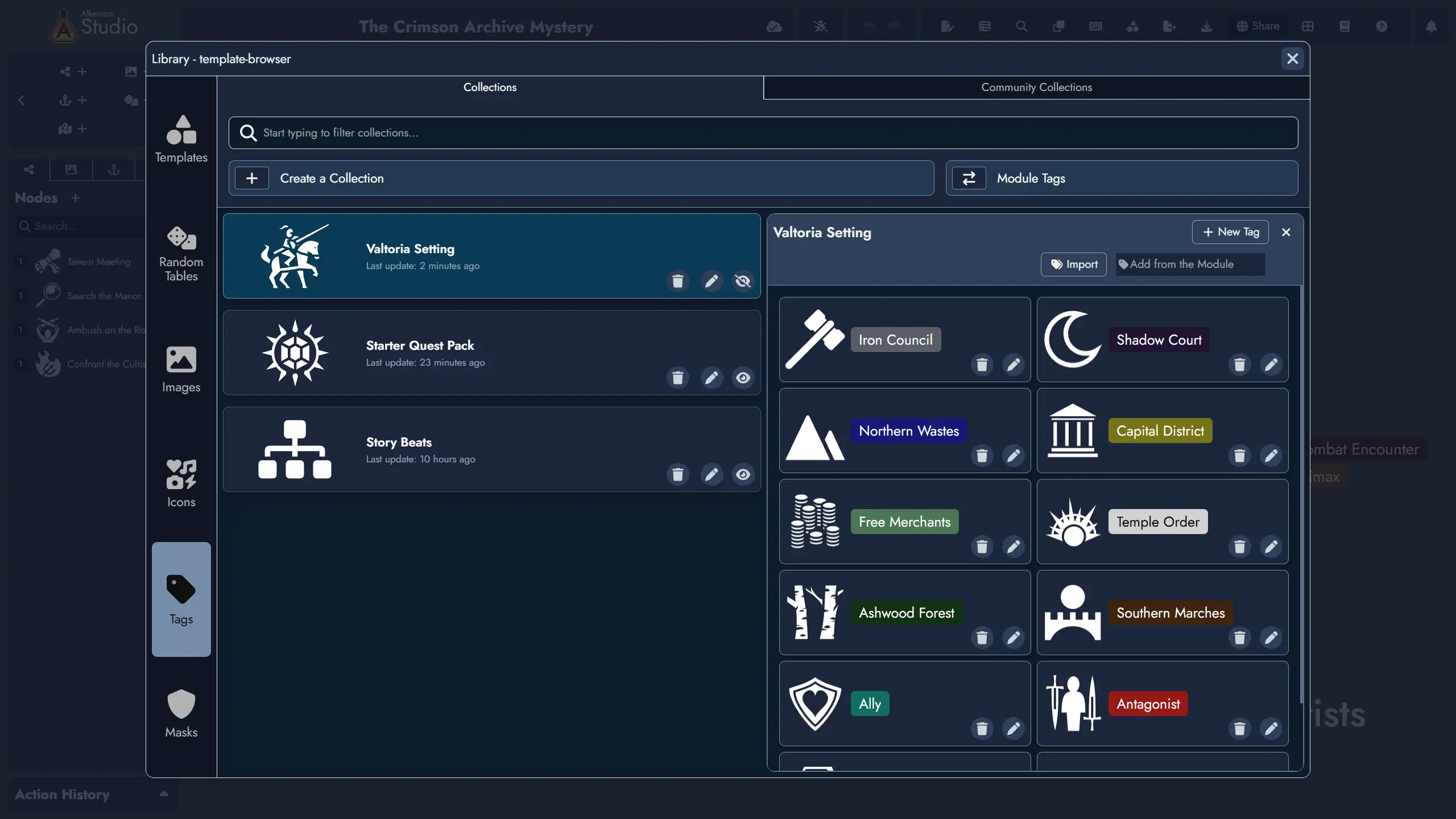
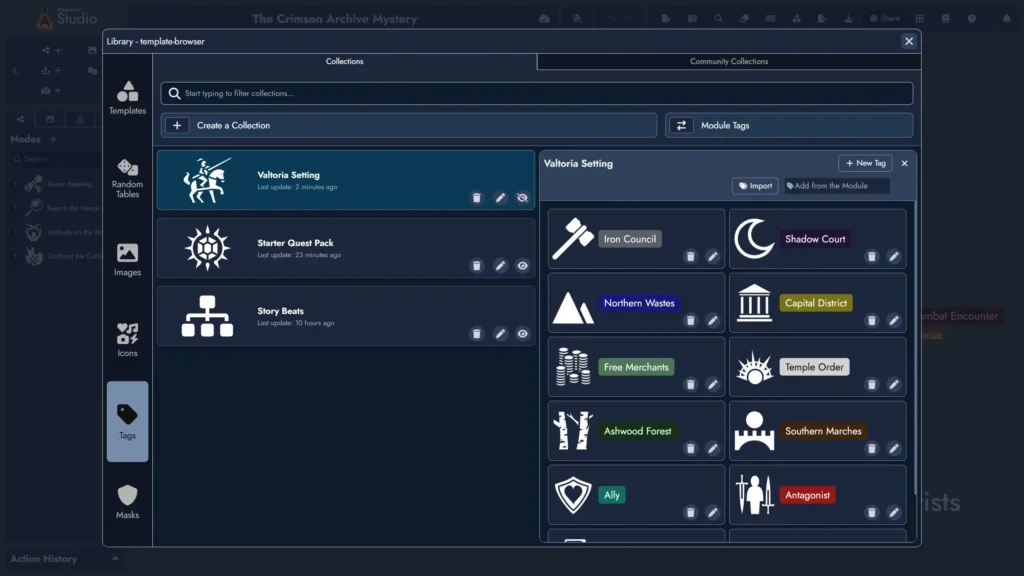
A Tag Collection is a saved set of tags you store in your Library. You create Collections in the Library’s Tag Collection Manager, which is accessible both from the Lobby and from within any open module.
Once you’ve created a Collection, you can import it into any module. When you import a Collection, Alkemion creates local copies of all the tags with a subscription reference back to the Collection. You choose which tags to import, so you’re never forced to take the entire set if you don’t need it.
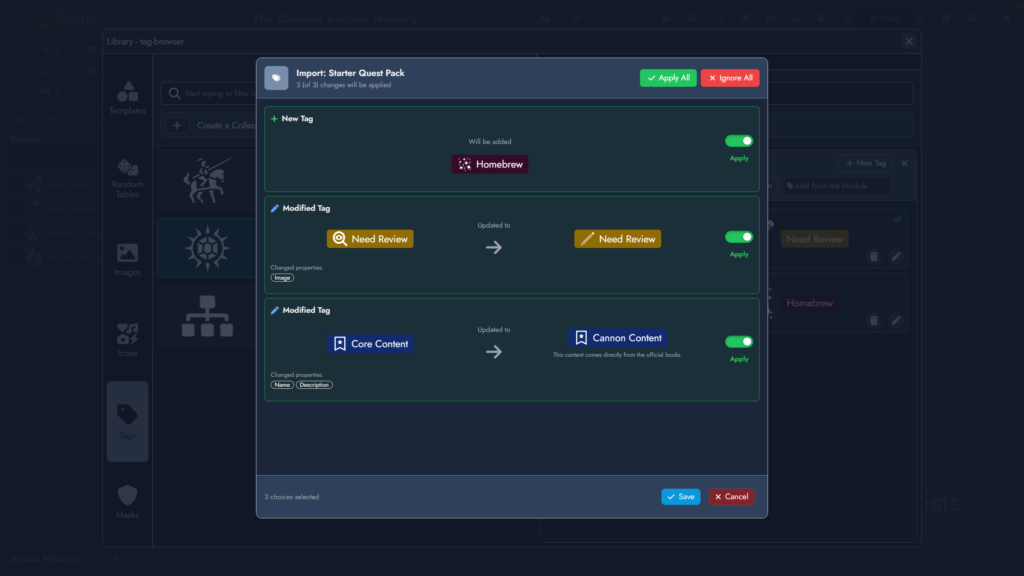
Here’s what makes this powerful: if you later update the Collection in your Library, modules that have imported it can receive those updates. When you open a module, the system compares your subscribed tags to their Collection source. If there are differences, you’ll see a soft notification. You can review the changes and decide whether to apply them, ignore them, or cherry-pick specific updates.
Importantly, this is one-way synchronization. Changes you make to tags in your module don’t flow back to the Collection. This keeps your Library clean and prevents accidental overwrites. If you want to update the source Collection, you do that directly in the Tag Collection Manager.
How You Might Use This
Let’s look at some concrete scenarios:
Campaign Setting Tags
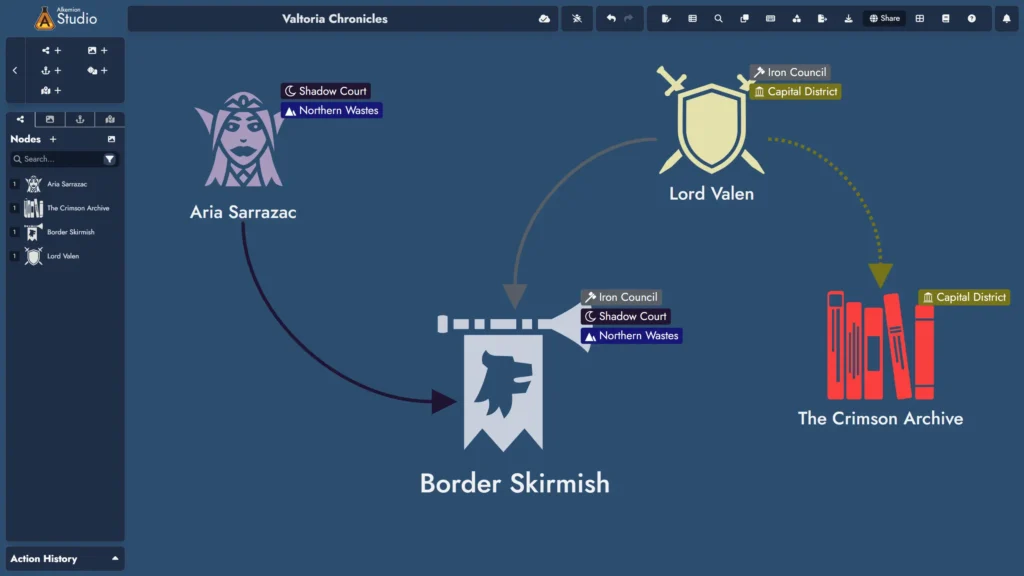
You run multiple campaigns set in the same homebrew world. You’ve created tags for each major faction, region, and recurring NPC archetype. With Tag Collections, you create a “Worldname Setting Tags” Collection in your Library. Every time you start a new campaign module, you import this Collection and immediately have your setting’s organizational structure in place. When you add a new faction to your world, you update the Collection and your existing modules can pull in the new tag.
Adventure Structure Templates
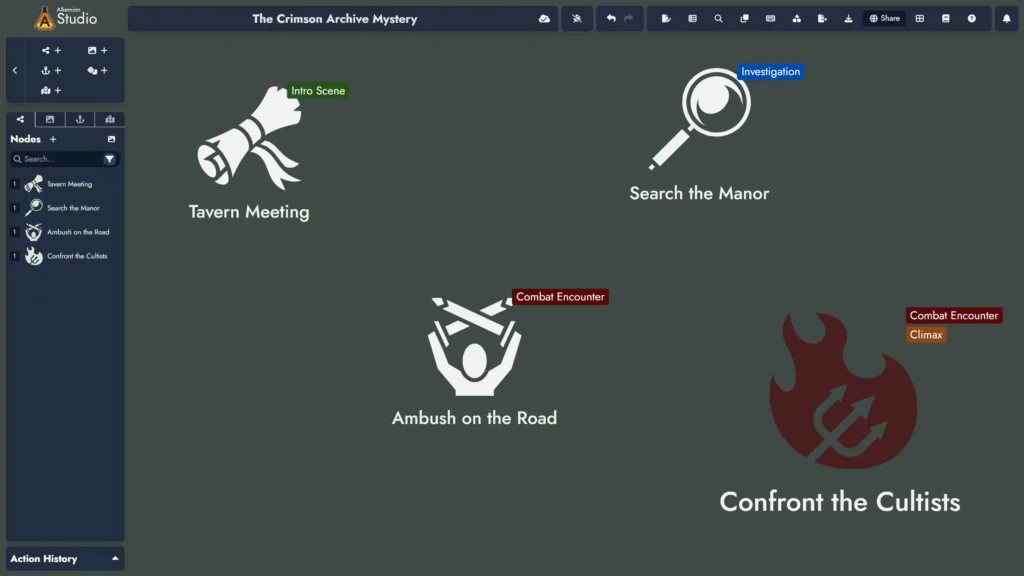
You’ve developed a personal workflow for structuring your adventures. You use tags like “Intro Scene,” “Investigation,” “Combat Encounter,” “Roleplay Beat” and “Climax.” Instead of recreating these every time, you create an “Adventure Structure” Collection. Import it into each new adventure module and your organizational system is ready to go.
Personal Metadata Systems
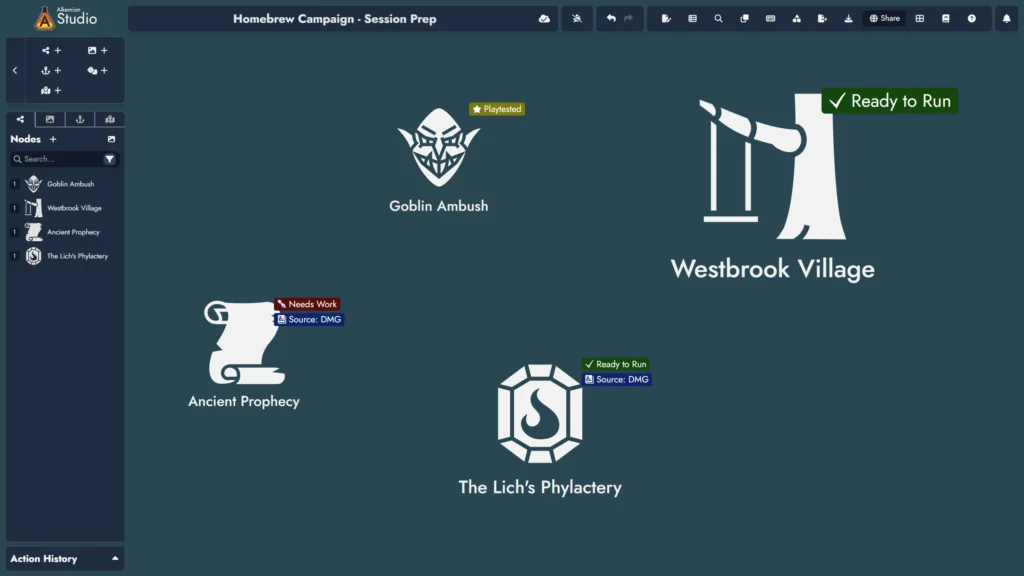
You use tags for things beyond content organization. Maybe you tag nodes by preparation status (“Needs Work”, “Ready to Run”, “Playtested”), or you track which content came from which source book. These are highly personal systems that you’ve refined over time. Tag Collections let you preserve and reuse these structures without rebuilding them from scratch.
Your Systems, Your Way
Alkemion Studio is built around how you think about your content. You create your own organizational systems, and Tag Collections give you a way to save and reuse them. Any tag sets we provide are just starting points and inspiration: you decide what works for you.
When you import a Collection into a module, those tags become yours. You can modify them, delete them, or ignore updates entirely. A “Faction: Empire” tag can mean something completely different in one module versus another, and that’s perfectly fine.
What’s Optional
Everything about Tag Collections is optional.
You don’t need to use them at all. If you prefer creating tags individually in each module, that workflow remains unchanged. Imported tags behave exactly like local tags. You can modify them, delete them, or ignore the Collection entirely. The visual “link” icon in the Tag Manager simply shows which tags came from a Collection, but it doesn’t restrict what you can do with them.
If you choose to ignore Collection updates, you’ll never be forced to apply them. The notification is soft and dismissible. You remain in complete control of your module’s tag structure at all times.
What’s Next
Tag Collections are the first step in a broader effort to help you reuse and refine your organizational systems. This feature also laid the groundwork for bringing the same one-way synchronization pattern to Nodes, letting you maintain libraries of reusable content that stay fresh across your modules. The goal is always the same: give you tools to capture your thinking once and apply it flexibly across your work.
We’re also listening closely to how you use this feature once it’s in your hands. Real usage will shape what comes next. If you find yourself wanting to share Collections with others, or organize them in specific ways, or connect them to other parts of your workflow, we want to hear about it.
Feel free to share your feedback on our Discord or reach out directly. We’re building this together, and your input helps us make Alkemion Studio more flexible and powerful without making it harder to understand or use.
See you soon,
The Alkemion Team
Leave a Reply